Sign out first
If you are currently signed in, log out before starting a new registration.
Account setup
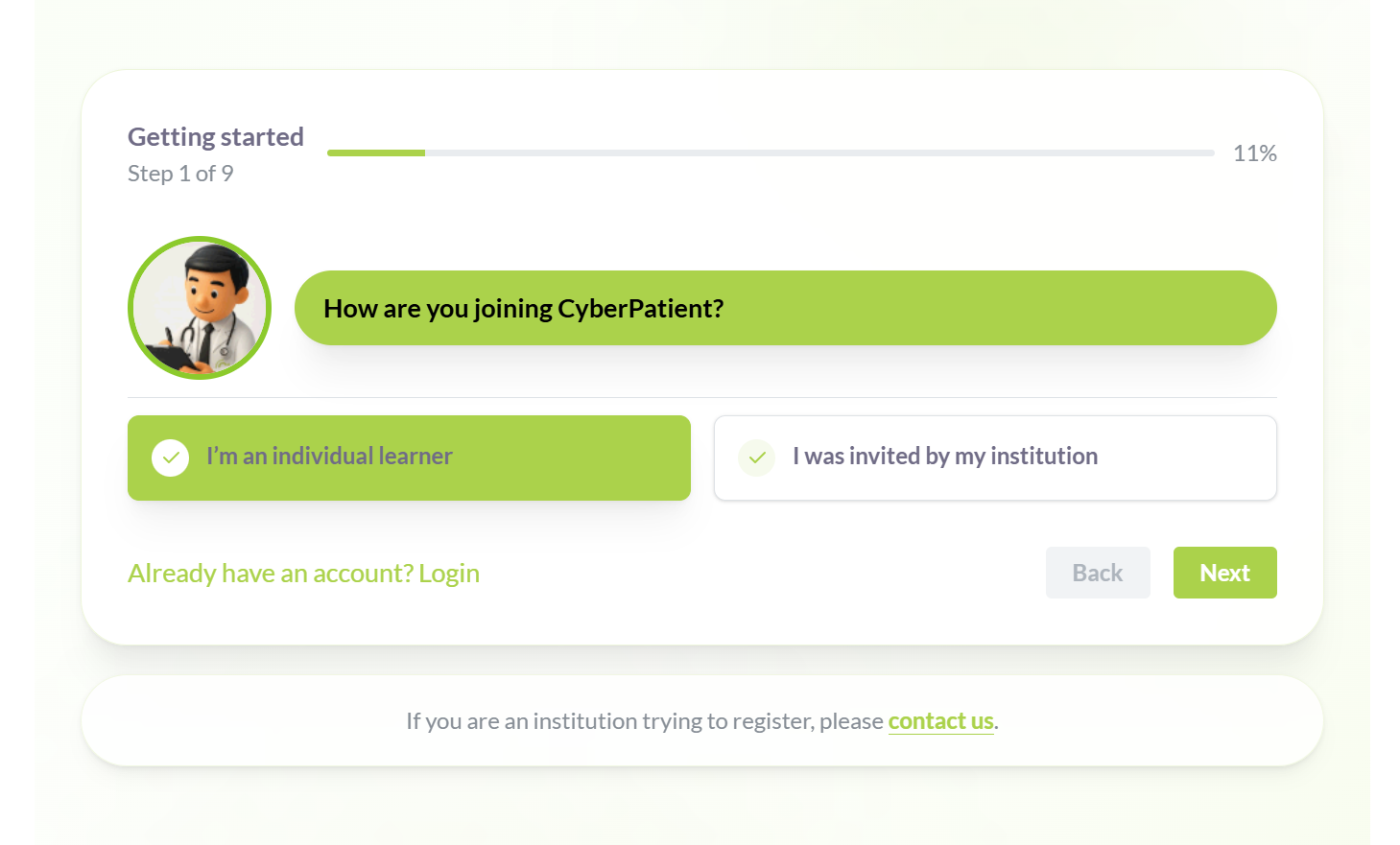
Use the registration page to create a self-learner account. If you already use an institution account, sign out first.
If you are currently signed in, log out before starting a new registration.
Start a new account from the OnCall registration page.
Open registration pageSelect this option on the first screen to create a self-learner account.
Answer a few onboarding questions to personalize your account.
Use an email that is not connected to your institution account.
Fill in the form, submit it, and follow the confirmation steps.
Return to the home page to explore features, pricing, and more.